Open-source Blender AI workflow

Create, edit, rig, and animate Blender scenes with AI.

BlendRelay MCP connects Blender to supported AI agents. Generate complete scenes, modify selected objects and geometry, guide changes with images or viewport sketches, then keep working with normal Blender data.

Open source · Blender 4.5+ · Published on PyPI
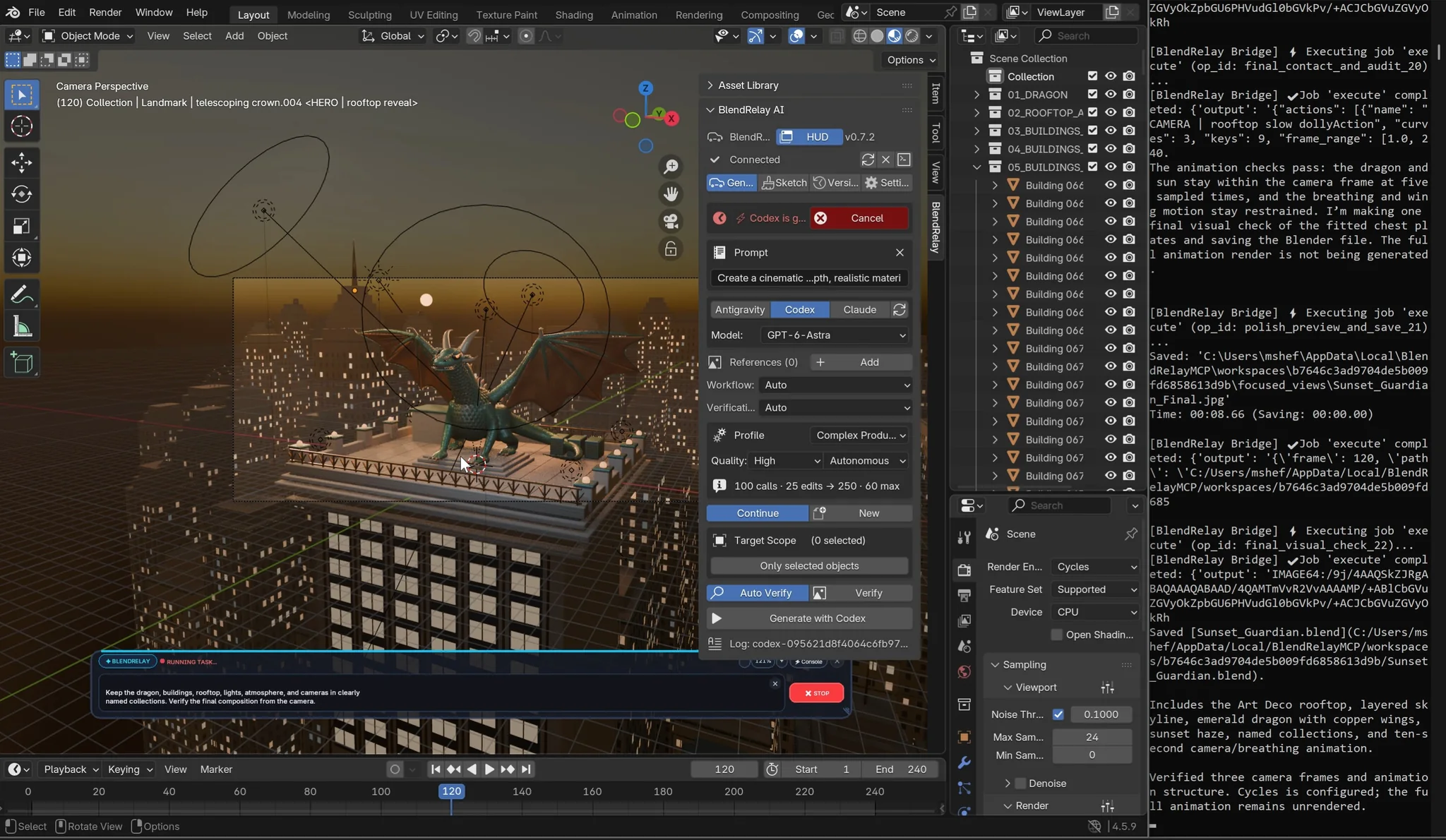
Cinematic Blender city rooftop scene with a dragon generated through BlendRelay
BlendRelay city and dragon scene.
Prompt in Blender. Inspect the scene. Continue editing with the objects, rig, camera, and timeline still under your control.
Prompt-based creationBuild scenes, props, materials, cameras, lighting and animation from clear creative direction.
Artist-directed scopeUse selections, Edit Mode geometry, references, sketches and target boxes to specify where work belongs.
Editable Blender outputKeep named objects, collections, armatures, keyframes and scene data available for normal refinement.

Designed for real Blender work

Move from idea to a controllable scene.

BlendRelay is built for artists who need visual direction and repeatable iteration, not a one-click black box.

01

Generate scenes

Describe the subject, environment, material, lighting, camera and final output.

02

Edit selections

Target selected objects or vertices, edges and faces while preserving the wider scene.

03

Use visual direction

Attach references or draw over the viewport to clarify placement and composition.

04

Mark a 3D region

Use an adjustable target box when an object or change must stay inside a specific volume.

05

Rig and animate

Work with selected armatures, paths, cameras and timing as part of the same Blender project.
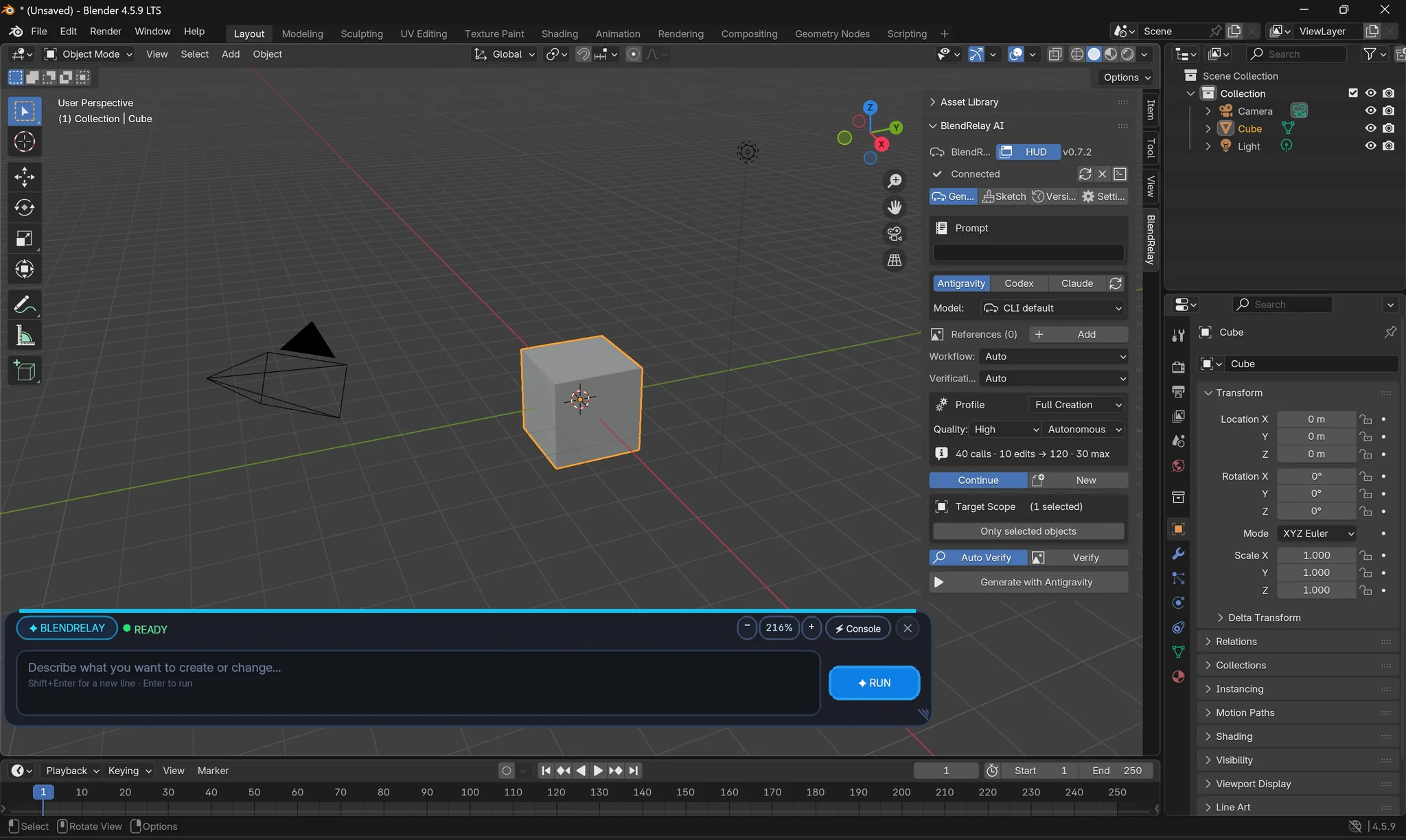
BlendRelay interface in the Blender viewport showing prompt, agent, generation profile and target controls
BlendRelay interface in Blender.

Demonstrated workflow

From a city prompt to an animated dragon flight.

The dragon-city demonstration follows one connected Blender project: a cinematic scene, a selected-dragon armature, a target-box prop, a sketch-guided camera correction, and selected-armature flight animation.

1Generate a New York-inspired rooftop city and perched dragon.
2Select the dragon and create a rig with leg, head, jaw, tail and wing controls.
3Place a blue-flame bronze brazier inside a marked 3D box.
4Use a viewport sketch to correct an inverted, overly tight camera animation.
5Select the armature and create coordinated full-body flight motion.

Connect your agent

One Blender bridge, several ways to work.

BlendRelay provides the Blender connection. Install and sign in to your preferred supported AI command-line agent separately.

C
Codex CLIRegister BlendRelay once as an MCP server, then work from the Blender panel or your Codex session.
Cl
Claude CodeLaunch Claude from the panel with an isolated MCP configuration for the current Blender workspace.
A
AntigravitySelect the installed agent in Blender and let BlendRelay prepare task-specific MCP configuration.

Start in minutes

Install the package, enable the add-on, then connect Blender.

You need Blender 4.5 or newer, uvx or Python 3.11+, and one supported AI command-line agent that is already installed and signed in.

uvx blendrelay-mcp setup